Listicle
7 Ways to Protect Your Identity Online
Updated October 21, 2026 8 min read

Table of Contents
- 1. Create Strong, Unique Passwords for Every Account
- 2. Enable Multi-Factor Authentication on Critical Accounts
- 3. How to Secure Online Accounts Against Unauthorized Access
- 4. Limit Personal Information on Social Media and Public Profiles
- 5. Avoid Public Wi-Fi Networks and Use Encryption
- 6. How to Remove Personal Info from Data Brokers
- 7. Monitor Your Credit Reports and Recognize Phishing Scams
- What to Do If Your Identity Is Compromised
- Frequently Asked Questions
Last Updated: October 2, 2026
1. Create Strong, Unique Passwords for Every Account
A weak password, short, predictable, or reused across sites, opens the door to account takeover. Strong, unique passwords are your first line of defense.
What Makes a Password Strong
A strong password combines length, complexity, and unpredictability. Aim for at least 12 characters mixing uppercase letters, lowercase letters, numbers, and special characters.
Avoid common patterns: birthdays, sequential numbers, dictionary words, or keyboard walks. Attackers use automated tools that test millions of combinations per second.
Unique passwords matter just as much. When one site gets breached, attackers try those credentials on every major platform.
Using a Password Manager
Managing dozens of unique 16-character passwords in your head is impossible. This is where a password manager becomes essential. Tools like Bitwarden's encrypted password storage let you generate and store complex passwords securely. You remember one strong master password, and the manager handles the rest.
Your passwords are encrypted across devices, and the manager auto-fills credentials when you visit a site.
Bitwarden's free tier covers personal use and is sufficient for most people who want to protect identity online.
2. Enable Multi-Factor Authentication on Critical Accounts
Multi-factor authentication (MFA) adds a second verification step beyond your password, blocking access even if your password is compromised.
Hardware security keys are the strongest form. If you lose the key, store recovery codes securely offline.
Authentication apps like Google Authenticator generate time-based codes every 30 seconds and are stronger than SMS text messages, which can be intercepted through SIM swapping.
Enable MFA on email, banking, investment, and social media accounts. Email is especially critical, it's the recovery method for almost every other account.
3. How to Secure Online Accounts Against Unauthorized Access
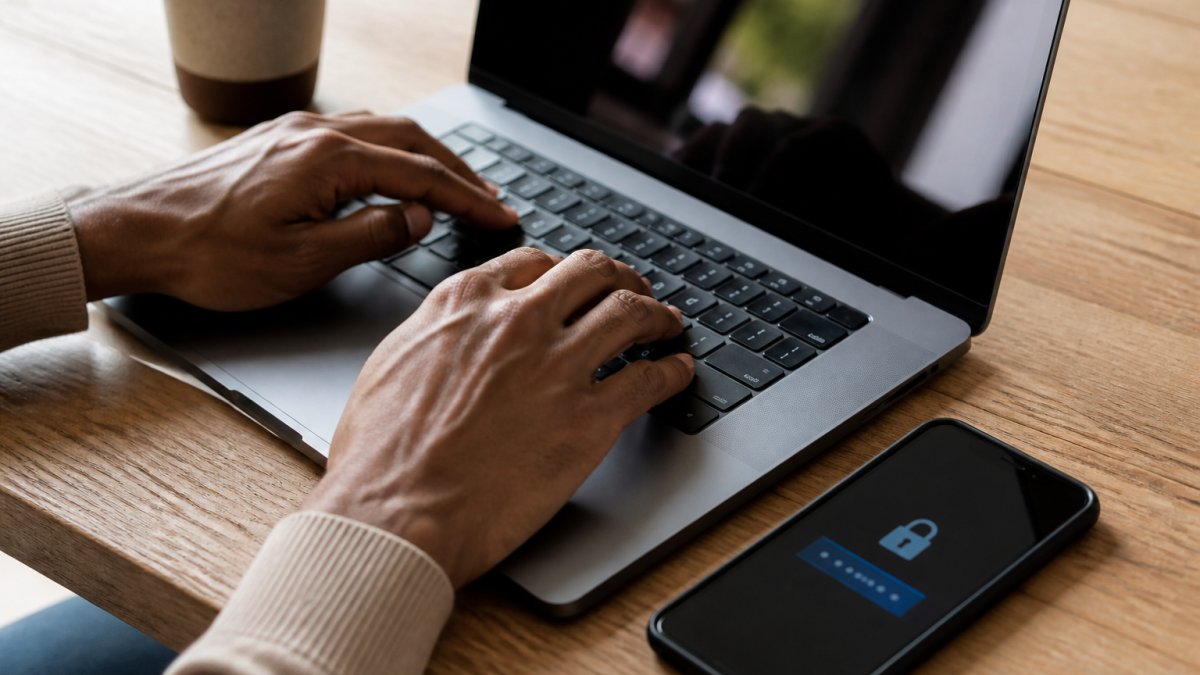
Beyond passwords and MFA, account security requires ongoing attention to how you access and manage your accounts.
Account Recovery Options
Set up account recovery methods before you need them: a backup email address or phone number to verify your identity if locked out.
When you enable MFA, save backup codes in a secure password manager and keep a physical copy in a safe place.
Use a recovery email from a different provider, not the same domain as your main email.
Session Management and Device Verification
Check active sessions on email and banking accounts regularly. Sign out any unrecognized devices immediately.
When logging in from a new device, approve identity verification, this prevents unauthorized access from other locations.
Log out of accounts on shared computers and clear cookies and cache after use.
4. Limit Personal Information on Social Media and Public Profiles
Every detail you share online reduces your privacy. Social media profiles and public directories are data sources for identity thieves.
Review what's visible on social media.
Adjust privacy settings on every platform.
Avoid sharing location tags, workplace check-ins, and travel plans, this information helps criminals time attacks.
Professional profiles like LinkedIn are often public by design. Limit the personal details visible.
5. Avoid Public Wi-Fi Networks and Use Encryption
Public Wi-Fi at coffee shops, airports, and hotels is convenient but dangerous.
When you connect to public Wi-Fi, attackers can see your passwords, banking credentials, and personal messages.
Use a VPN (virtual private network) when connecting to public Wi-Fi. A VPN encrypts all your internet traffic, making it unreadable to others on the network. Proton VPN's encrypted connection offers a free tier that works on most devices.
A VPN creates a secure tunnel between your device and the VPN provider's server.
Avoid logging into sensitive accounts on public Wi-Fi, even with a VPN.
Disable auto-connect features on your devices.
6. How to Remove Personal Info from Data Brokers
Data brokers buy, sell, and aggregate personal information. They collect data from public records, online sources, and data breaches, then sell it to marketers, employers, and others. This is a major source of personal information exposure.
Identifying Which Data Brokers Hold Your Information
Hundreds of data brokers operate in the background. Major ones include Spokeo, Whitepages, PeopleFinder, and BeenVerified.
To find which brokers hold your data, search your name on these sites directly. You'll often find listings with your information.
Data brokers also sell to other brokers, so your information spreads across multiple platforms. One removal request may not reach all of them.
Submitting Opt-Out Requests
Most data brokers have an opt-out process, though it varies by site. Some let you request removal online. Others require you to mail a written request.
When submitting opt-out requests, include your full name, current address, and any phone numbers or email addresses associated with your profile. Some brokers ask for proof of identity.
Keep records of which brokers you've contacted and when.
7. Monitor Your Credit Reports and Recognize Phishing Scams
Regular credit monitoring helps you spot identity theft early. Fraudulent accounts opened in your name appear on your credit report, and catching them quickly limits damage.
Regular Credit Monitoring
You're entitled to a free credit report from each of the three major bureaus, Equifax, Experian, and TransUnion, once per year. Access them at AnnualCreditReport.com, the official site authorized by federal law.
Review your reports for accounts you didn't open, incorrect personal information, or unauthorized inquiries. Dispute any errors immediately with the bureau.
Monitor your credit score regularly. Many banks and credit card companies offer free credit monitoring to customers.
Consider placing a fraud alert on your credit file. This tells lenders to verify your identity before opening new accounts, slowing down identity theft.
Identifying Phishing and Social Engineering Attempts
Phishing is the most common way attackers steal login credentials.
Red flags include:
- Urgent language ("Verify your account immediately" or "Suspicious activity detected")
- Generic greetings ("Dear Customer" instead of your name)
- Requests to click a link and enter credentials
- Slight misspellings in the sender's email address
- Attachments from unexpected sources
Never click links in unsolicited emails. Instead, go directly to the site by typing the URL in your browser or using a bookmark.
Social engineering is broader than phishing. Attackers may call pretending to be from tech support, your bank, or a government agency.
Legitimate companies never ask for passwords, Social Security numbers, or credit card numbers over the phone or email.
What to Do If Your Identity Is Compromised
If you discover unauthorized accounts, fraudulent charges, or suspicious activity, act fast.
Contact your bank and credit card companies immediately. Report fraudulent charges.
File a report with the FTC at IdentityTheft.gov. The FTC maintains records and provides a recovery plan tailored to your situation.
Change passwords on all accounts, especially email and banking.
Monitor your accounts closely for weeks and months after discovering fraud.
Recovery from identity theft takes time and persistence.
| Strategy | Purpose | Best For |
|---|---|---|
| Strong, unique passwords | Prevent account takeover | Every online account |
| Multi-factor authentication | Block unauthorized access even with compromised password | Email, banking, social media |
| Privacy settings on social media | Limit personal information visible to strangers | Reducing your digital footprint |
| VPN on public Wi-Fi | Encrypt traffic from interception | Traveling, using public networks |
| Data broker opt-outs | Remove personal information from data aggregators | Reducing exposure to identity thieves |
| Credit monitoring | Detect fraudulent accounts early | Catching identity theft quickly |
| Phishing awareness | Avoid credential theft | Protecting against social engineering |
To protect identity online requires multiple layers of defense.
Frequently Asked Questions
What are the most effective ways to limit personal information exposure online?
Start by auditing your social media privacy settings and removing unnecessary personal details from public profiles. Use strong, unique passwords managed through a password manager, enable multifactor authentication on accounts containing sensitive information, and regularly check your digital footprint by searching your name online. Consider how to remove personal info from data brokers through opt-out requests. Limit what you share in online forms to only essential information, and be cautious about the apps and websites you grant access to your personal data.
How can I manage my digital footprint to improve privacy?
Your digital footprint grows every time you create an account, post online, or share information. Reduce it by deleting old social media accounts you no longer use, adjusting privacy settings to restrict who sees your posts, and being selective about what personal information you provide to websites. Regularly review the data brokers collecting your information and submit opt-out requests. Use privacy-focused browser settings, disable location tracking when unnecessary, and consider using a VPN on public Wi-Fi to minimize your online exposure.
What should I do if I suspect my personal information is too public?
Search for your name on Google and data broker websites to see what information is publicly available. Review your social media accounts and adjust privacy settings to limit visibility. Request removal of your information from data brokers through their opt-out processes. Monitor your credit reports for suspicious activity and consider placing a fraud alert with the credit bureaus. If you've experienced a data breach, change passwords for affected accounts immediately and enable multifactor authentication. Watch for phishing attempts targeting you specifically and stay alert for signs of identity theft.
How do data brokers impact my online identity?
Data brokers collect and sell personal information including your name, address, phone number, email, and sometimes financial details. This information is used by marketers, scammers, and identity thieves. When your data spreads across multiple broker databases, your exposure increases significantly. By learning how to remove personal info from data brokers through opt-out requests, you reduce the number of sources where your information is available. This limits how easily criminals can find your details and decreases the risk of targeted phishing, spam, and identity theft schemes.