Ultimate-guide
Best Ways to Protect Privacy: A 2026 Guide
Updated October 21, 2026 5 min read
Table of Contents
- Why Protecting Your Privacy Matters
- 1. Build a Strong Password Foundation
- 2. Secure Your Mobile Device and Phone Privacy Settings
- Frequently Asked Questions
Last Updated: October 16, 2026
Why Protecting Your Privacy Matters
Your personal information is constantly exposed online.
Identity theft affects millions annually, and scammers use exposed data to impersonate you or access your accounts. The best way to protect privacy is to act before a breach happens.
At cybersweep analytics, we help people identify where their information appears online and work to reduce that exposure. Below are the essential steps to protect privacy, from passwords to device security to controlling what you share.
1. Build a Strong Password Foundation
Weak passwords are the entry point for most account compromises. A strong password is long, unpredictable, and unique to each account, making brute-force attacks impractical and keeping other accounts secure if one site is breached.
A strong password should be at least 12 characters and mix uppercase, lowercase, numbers, and symbols.
Remembering dozens of unique passwords is hard, and reusing or writing them down both create risk. A password manager generates and stores strong passwords securely.
How to Check if Your Passwords Have Been Leaked
If your password appears in a known data breach, attackers can use it to access your account, so check whether your passwords have been compromised.
Several free tools let you search your email address or username in known breach databases by comparing a hash of your password against breached credentials.
Check your passwords regularly, especially after major data breaches. Many password managers automatically alert you when a password appears in a breach database.
2. Secure Your Mobile Device and Phone Privacy Settings
Your phone contains more sensitive data than most computers: location history, financial apps, health records, and photos.
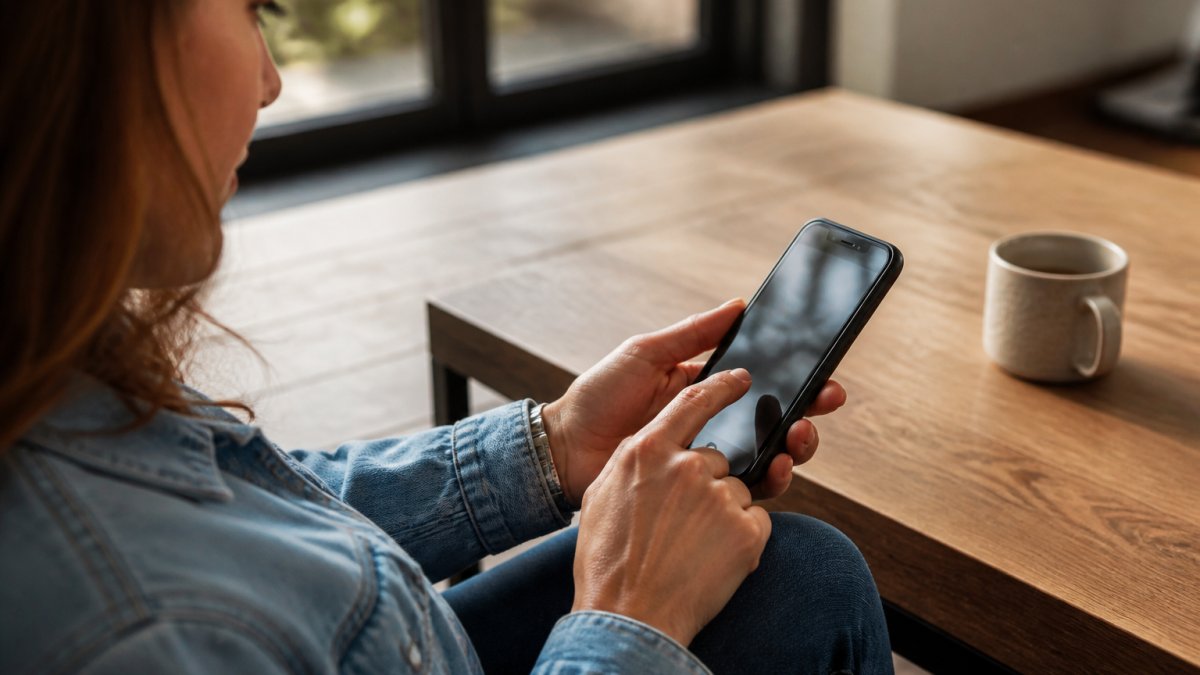
Next, review your phone's privacy settings.
Go through your apps and disable unnecessary permissions.
(https://consumer.ftc.gov/articles/credit-freezes-and-fraud-alerts))Consider a credit freeze with the three major credit bureaus, which prevents new accounts from being opened in your name without your authorization (Credit Freezes and Fraud Alerts).
Monitor your credit score and review your credit reports annually. Many services offer free credit monitoring, but verify they're legitimate and not phishing attempts.
Protecting your privacy is an ongoing process, not a one-time action. The strategies above address the most common vulnerabilities: weak passwords, unsecured devices, oversharing, and exposed data.
Frequently Asked Questions
How do I check if my passwords have been leaked in a data breach?
Use a password-breach checker like Have I Been Pwned to search your email address against known breaches. Enter your email and the tool will show which services have exposed your credentials. If your passwords appear in a breach, change them immediately. For ongoing protection, consider a password manager that alerts you when credentials are compromised. Regular checks help you stay ahead of threats and respond quickly if your personal data is exposed.
What phone privacy settings should I review first?
Start with location services, disable it for apps that don't need it. Review which apps have access to your camera, microphone, contacts, and photos. Turn off app tracking in your device settings. Disable Bluetooth and Wi-Fi when not in use. Set up a strong PIN or biometric lock. Check your cloud backup settings to control what data syncs automatically. These adjustments significantly reduce your digital footprint and limit who can track your activity.
How can I reduce my digital footprint online?
Audit your social media privacy settings to limit who sees your posts and personal details. Unfollow or mute accounts that don't add value. Remove old or unnecessary accounts from websites where you no longer have a purpose. Be selective about what personal information you share in online forms and profiles. Use privacy-focused search engines and browsers. Regularly delete browsing history and cookies. Submit data broker opt-out requests to limit your exposure on people-search sites. These steps combine to significantly reduce how much of your personal information is publicly accessible.
What should I do if I've been a victim of identity theft?
Place a fraud alert with one of the three major credit bureaus (Equifax, Experian, or TransUnion), which will notify the others. Request a free credit report and dispute any fraudulent accounts or charges. File a report with the Federal Trade Commission at IdentityTheft.gov. Contact your banks and credit card companies to lock or close compromised accounts. Monitor your credit regularly for new suspicious activity. Consider a credit freeze to prevent new accounts being opened in your name. Professional identity recovery services can help manage the process and provide ongoing monitoring to catch future fraud.
Why should I use a password manager?
A password manager stores your login credentials securely in an encrypted vault, so you only need to remember one master password. It generates strong, unique passwords for each account, eliminating weak or reused passwords that are easy targets for hackers. Most password managers alert you when your passwords appear in known breaches. They also auto-fill login information, reducing phishing risk since the manager won't fill credentials on fake websites. This combination of security and convenience makes password managers one of the most effective personal data protection tools available.
What is multi-factor authentication and why does it matter?
Multi-factor authentication (MFA) requires two or more forms of verification to access your account, such as a password plus a code from your phone. Even if someone obtains your password, they cannot access your account without the second factor. Common methods include authenticator apps, text messages, or biometric verification. MFA significantly reduces the risk of account takeover and unauthorized access to your personal information. Enable it on critical accounts first, especially email, banking, and social media, since these provide access to your other accounts.
How often should I update my devices and apps?
Install security patches and software updates as soon as they become available. Manufacturers release updates to fix vulnerabilities that attackers actively exploit. Enable automatic updates on your phone, computer, and apps to ensure you don't miss critical patches. Check for firmware updates on connected devices like routers and smart home products. Outdated software is a primary entry point for malware and data theft. Regular updates are one of the simplest yet most effective ways to protect your personal information from compromise.